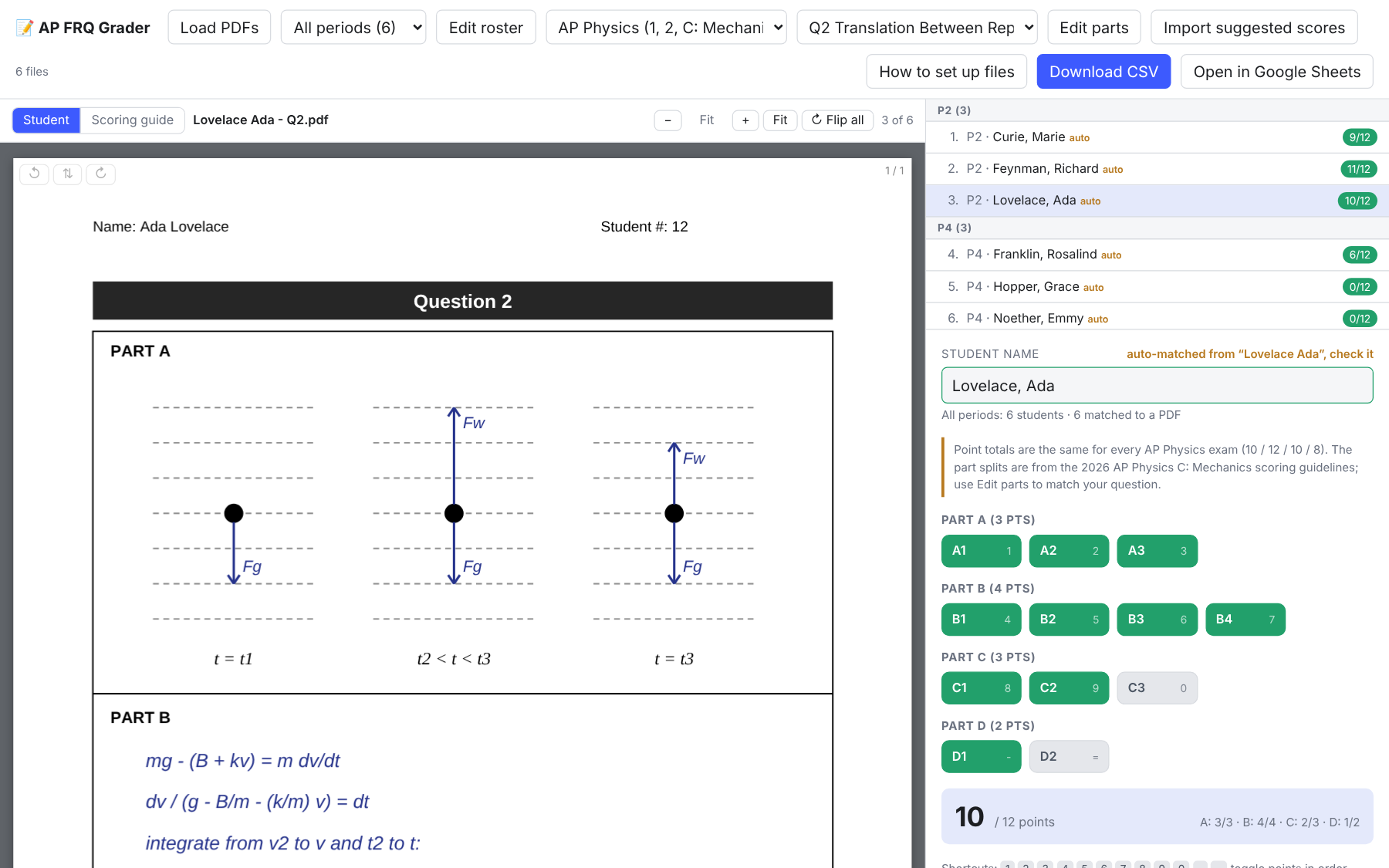
A free, browser-based tool for grading scanned AP free-response questions. Load a stack of student PDFs, pick the question, and score each part against the official point split. It works for AP Physics, AP Chemistry, AP Biology and AP Environmental Science.
What it does
- Shows each scanned PDF beside a scoring panel, with page rotation for upside-down scans.
- Sets the point values for each part automatically when you choose the subject and question.
- Imports class rosters by period and guesses the student from each PDF’s filename.
- Lets you upload the scoring guidelines and open them with one click while you grade.
- Grades one period at a time or all periods mixed together.
- Exports results as a CSV or copies them straight into a new Google Sheet.
Getting started
- Open the grader and click How to set up files for the roster and file formats.
- Import a roster CSV with Period and Student (“Last, First”) columns.
- Start each scan’s filename with the student’s name (for example
Curie Marie - Q2.pdf) and load the PDFs. - Choose the subject and question, score each part, and export when you’re done.
For teachers
Everything runs in your browser. Student PDFs, rosters and scores stay on your computer and are never uploaded anywhere. Your progress is saved in that browser, so use the same computer and browser to pick up where you left off, and export a CSV when you finish.
Chemistry part splits are estimated from the sub-questions, since the released booklets don’t list points per part. Check them against the scoring guidelines and adjust if needed.
Direct link: brandoncomella-afk.github.io/physics-sims/ap-frq-grader.html

